
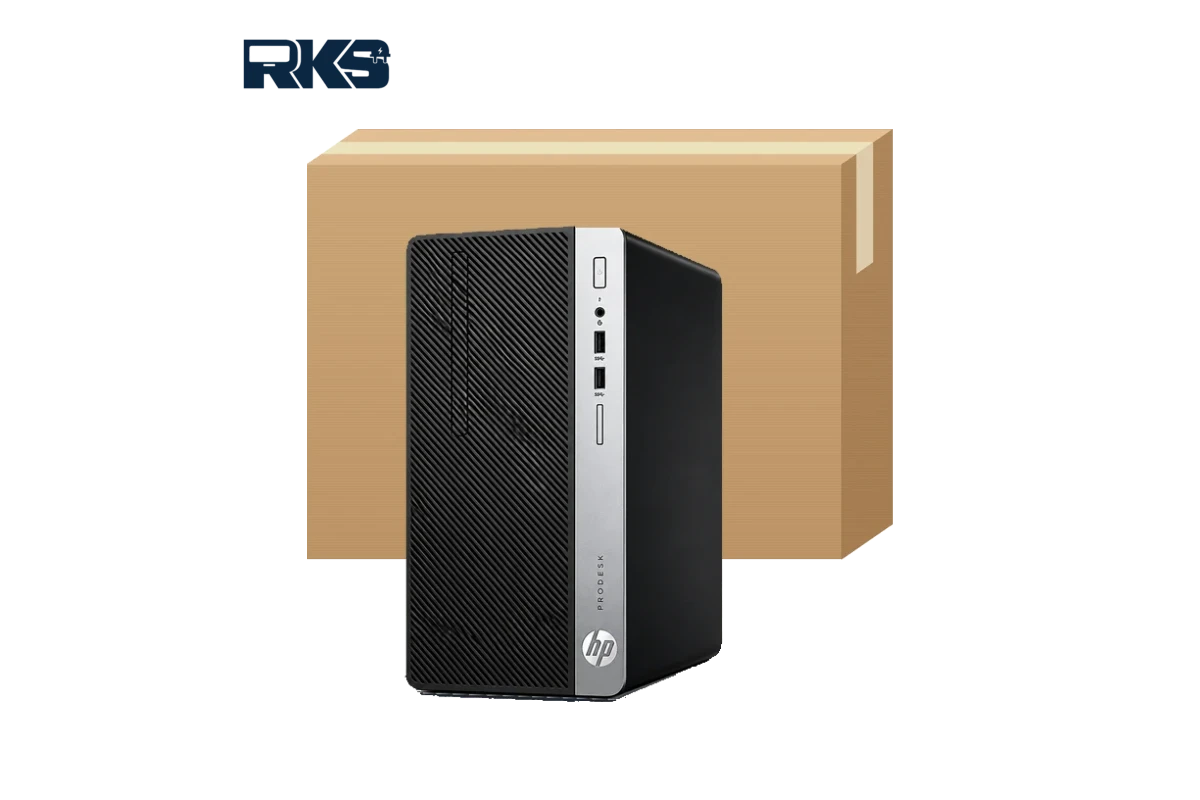
The HP ProDesk 600 G4 MT is a business microtower desktop built for people who want room to grow. This guide covers the HP ProDesk 600 G4 MT specs, the RAM, SSD and graphics upgrades it supports, Windows 11 compatibility and what to check before you buy in Pakistan.
RKS Techware supplies business PCs across Pakistan. If you already know what you need, see the HP ProDesk 600 G4 MT desktop PC or message us on WhatsApp with the processor, RAM and SSD you want.
Contents
HP ProDesk 600 G4 MT specs at a glance
The ProDesk 600 G4 was sold in many configurations, so the exact processor, memory and storage depend on the unit. This table lists the HP ProDesk 600 G4 MT specs the microtower platform offers.
| Feature | What you get |
|---|---|
| Form factor | Microtower (MT) business desktop |
| Processor | 8th Gen Intel Core i3, i5 or i7, depending on the configuration |
| Chipset | Intel Q370 |
| Graphics | Intel UHD Graphics 630 (integrated), with room for a graphics card |
| Memory | Four DIMM slots, DDR4-2666, up to 64 GB |
| Storage | One M.2 PCIe x4 SSD slot, a 3.5-inch bay and a 5.25-inch bay that can also hold two 2.5-inch drives |
| Expansion | Four full-height slots; the exact PCIe mix depends on the configuration |
| Ports | Front and rear USB ports including USB 3.1 Gen 1, a universal audio jack and a rear RJ-45 Ethernet port |
| Security | HP BIOSphere Gen4 firmware protection and HP Client Security Suite Gen 4 on supported configurations |
| Size and weight | About 33.8 cm tall and 27.4 cm deep, around 7.1 kg (varies by configuration) |
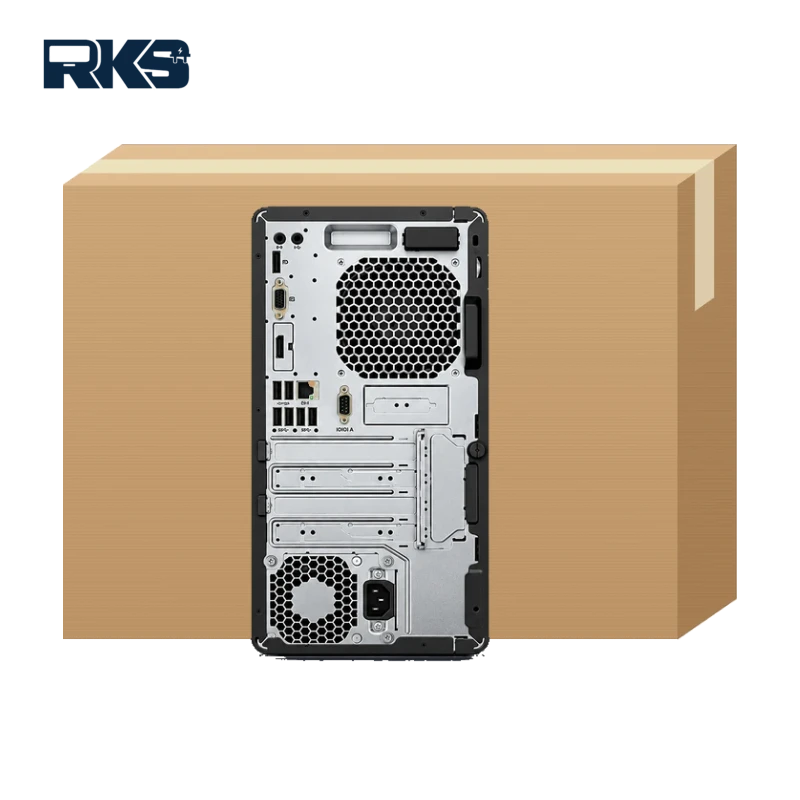
HP lists up to 11 USB ports (including one USB Type-C) and up to three video outputs on the microtower, but the exact set depends on the configuration. Always confirm the HP ProDesk 600 G4 MT specs, including ports and video outputs, on the unit you plan to buy.
Who should buy the HP ProDesk 600 G4 MT?
The HP ProDesk 600 G4 MT specs suit buyers who want dependable performance and the freedom to upgrade later.
- Offices and call centres that need many dependable desktops with the same setup.
- Schools, colleges and computer labs that want easy upgrades and simple repairs.
- Shops, showrooms and clinics that run billing, point-of-sale or accounting software.
- Home users who want a quiet, upgradeable family or work computer.
It is not the best choice for heavy gaming or professional 4K video work without a graphics card. If desk space is tight, a mini PC may suit you better (see the comparison below).
HP ProDesk 600 G4 MT upgrades: RAM, SSD and graphics
RAM
The HP ProDesk 600 G4 MT specs include four DIMM slots that take DDR4-2666 memory up to 64 GB. For Windows 11, 8 GB is the practical minimum and 16 GB is a comfortable choice for most offices. Fit memory in matched pairs so the PC can run in dual-channel mode.
SSD and storage
Use the M.2 NVMe slot for Windows and programs, then add a 3.5-inch hard drive or 2.5-inch SSDs for files and backups. The 5.25-inch bay can also hold two 2.5-inch drives, which suits a small office file store. An SSD makes the biggest difference to boot time and everyday speed.
Graphics cards and expansion slots
The built-in Intel UHD Graphics 630 handles office work, web browsing and video playback. If you need more monitors or light creative work, the full-height slots let you add a graphics card, a network card or extra ports. Check the power supply rating and the card’s power needs first.
Processor
Processor upgrades depend on BIOS support and the power supply, so it is safer to pick the Core i3, i5 or i7 you need when you buy instead of planning to swap it later.
Does the HP ProDesk 600 G4 MT support Windows 11?
In most cases, yes. 8th Gen Intel Core processors appear on Microsoft’s list of supported Intel processors, and an HP Support Community answer says the ProDesk 600 G4 meets Microsoft’s minimum hardware requirements for Windows 11.
Microsoft’s Windows 11 requirements include a 64-bit processor with two or more cores, 4 GB of RAM, 64 GB of storage, UEFI firmware with Secure Boot and TPM 2.0. Before you upgrade, check that TPM 2.0 and Secure Boot are turned on in the BIOS and back up your files. Windows 10 reached end of support in October 2025, so a Windows 11-ready PC is the safer choice for business use.
For smooth everyday use, pair Windows 11 with at least 8 GB of RAM and an SSD. Both fit comfortably within the HP ProDesk 600 G4 MT specs.
HP ProDesk 600 G4 MT or a mini PC?
Choose the microtower when you want to expand later, because the HP ProDesk 600 G4 MT specs favour upgrades, and a mini PC when space is the priority. Our HP EliteDesk 800 G4 Mini guide covers the small option in detail, and you can view the HP EliteDesk 800 G4 Mini PC in our shop.
| Feature | HP ProDesk 600 G4 MT | HP EliteDesk 800 G4 Mini |
|---|---|---|
| Size | Tower, needs desk or floor space | Very small, saves desk space |
| Memory | Four DIMM slots, up to 64 GB | Two SO-DIMM slots, up to 32 GB |
| Add-in cards | Full-height expansion slots | No standard expansion slots |
| Best for | Upgrades, extra drives and graphics cards | Tight desks and tidy offices |
What to check before you buy an HP ProDesk 600 G4 MT
- Processor: Core i3, i5 or i7 (8th Gen).
- RAM size, speed and free DIMM slots.
- Storage type and size: M.2 NVMe SSD, SATA SSD or hard drive.
- Windows licence and edition.
- Optical drive, video ports and any added cards.
- Power supply rating, if you plan to add a graphics card.
- Condition, warranty and current stock.
Ask for the exact model number and photos of the unit, and write down the HP ProDesk 600 G4 MT specs you are offered so you can compare quotes fairly.
HP ProDesk 600 G4 MT price in Pakistan
There is no single price for this model because it is sold in many configurations. The main factors are:
- Processor: i3, i5 or i7.
- RAM and SSD size.
- Windows licence and edition.
- Condition and warranty.
- Dollar rate and current stock.
Instead of a fixed number, we quote for the HP ProDesk 600 G4 MT specs you choose. Request a quote for the HP ProDesk 600 G4 MT or message us on WhatsApp with the processor, RAM and SSD you need.
Buying an HP ProDesk 600 G4 MT in your city
RKS Techware supplies business PCs to customers across Pakistan. Delivery is arranged with our team after your order is confirmed, and timing and cost depend on your city. Here is how the HP ProDesk 600 G4 MT fits different areas. You can also use our contact page to ask about your city.
HP ProDesk 600 G4 MT in Karachi
Karachi offices deal with heat, humidity and dust. A tower has more internal space and airflow than a small PC, so it is easy to open and clean. Keep the vents clear and the case off the floor. Where power cuts are common, plan a UPS that suits the PC and monitor.
HP ProDesk 600 G4 MT in Lahore
Software houses, agencies and finance teams in Lahore often work on two monitors and run many programs at once. Choose 16 GB of RAM and an SSD, and add a graphics card if you need more video outputs. The four DIMM slots leave room to add memory as your team grows.
HP ProDesk 600 G4 MT in Islamabad and Rawalpindi
Offices, schools and small businesses in the twin cities often buy several identical PCs at once. Standardise on one configuration so drivers, images and spare parts are the same on every desk, and ask for a bulk quote.
HP ProDesk 600 G4 MT in Faisalabad, Multan, Peshawar and other cities
Billing, inventory and accounting work in shops, workshops and trading offices needs reliability more than a high-end processor. A Core i5 with 8 to 16 GB of RAM and an SSD is a sensible start, and the spare drive bays leave space for a local backup disk. Message us your city on WhatsApp for delivery details.
Frequently asked questions about the HP ProDesk 600 G4 MT
Is the HP ProDesk 600 G4 MT good for office work?
Yes. An 8th Gen Intel Core processor with enough RAM and an SSD handles documents, email, browsing, video calls and business software smoothly. It is not aimed at gaming or heavy design work unless you add a graphics card.
How much RAM can the HP ProDesk 600 G4 MT take?
Up to 64 GB of DDR4-2666 in four DIMM slots. We suggest 8 GB as the minimum for Windows 11, and 16 GB is comfortable for most business use.
Can I add an SSD to the HP ProDesk 600 G4 MT?
Yes. It has one M.2 PCIe x4 slot, plus a 3.5-inch bay and a 5.25-inch bay that can hold two 2.5-inch drives, so you can combine a fast SSD with extra storage.
Can the HP ProDesk 600 G4 MT run Windows 11?
In most cases, yes. 8th Gen Intel Core processors are on Microsoft’s supported list. Check that TPM 2.0 and Secure Boot are turned on before you upgrade.
Can I install a graphics card in the HP ProDesk 600 G4 MT?
The microtower has full-height expansion slots, so a graphics card can be fitted. Check the power supply rating and the card’s power requirement first.
How do I get the HP ProDesk 600 G4 MT price in Pakistan?
Send us the processor, RAM and SSD you need on WhatsApp and we will quote for that configuration.
Ready to order? Tell us the HP ProDesk 600 G4 MT specs you need, including processor, RAM and SSD, and we will send a quote.